LEAD and BACK roles
Mark the main source and background tracks so they work as one connected system.
SLIMZ MAGIC MASK
Make room for the lead without flattening the character of backing vocals and instruments.
TWO LICENSES ARE PROVIDED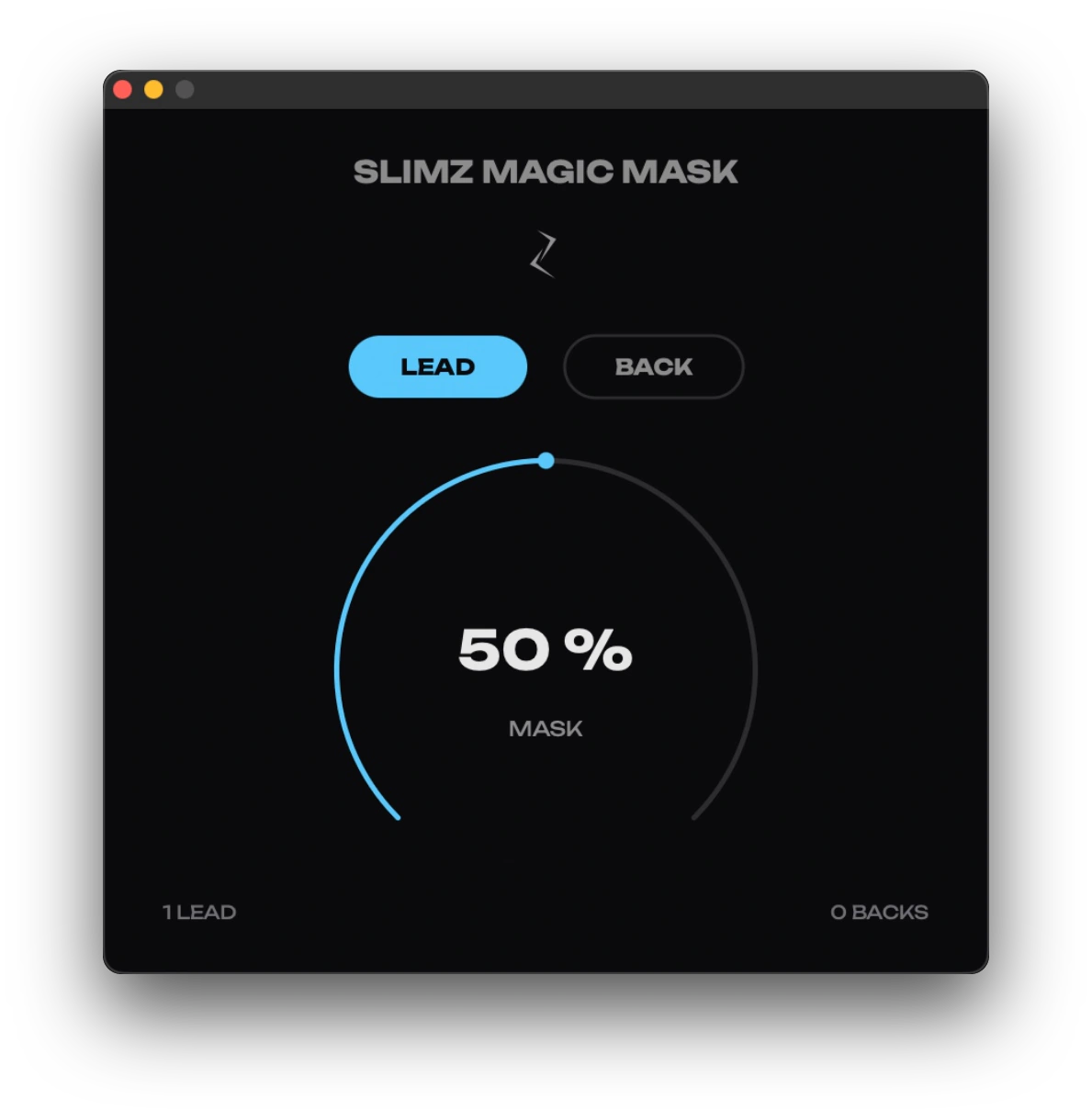
DYNAMIC MASKING
Place SLIMZ MAGIC MASK on the lead element and on the tracks competing with it. The plugin creates space only when they overlap, preserving the natural balance and movement of the mix.
Mark the main source and background tracks so they work as one connected system.
Set the masking depth with one move and no complicated setup.
Connect several leads and backs in one project and open space only where it is needed.
The background steps back while the lead is active and returns when the conflict is gone.
SIMPLE WORKFLOW
Put the plugin on the lead element with the LEAD role and on the competing tracks with the BACK role. When they play together, the background steps back softly and returns once the conflict is gone, so space opens only when it is needed.
Yes. Connect several leads and backs in one project and set the masking depth with one control and no complicated setup.
SLIMZ MAGIC MASK is an audio plugin: VST3 and AU for macOS, VST3 for Windows. Two licenses are provided with every purchase.