Live analysis
Press play - BPM and key appear while the track is playing.
SLIMZ DETECT
Find a track's tempo and key right in your DAW, or drop in an audio file and get the result almost instantly.
TRACK ANALYSIS
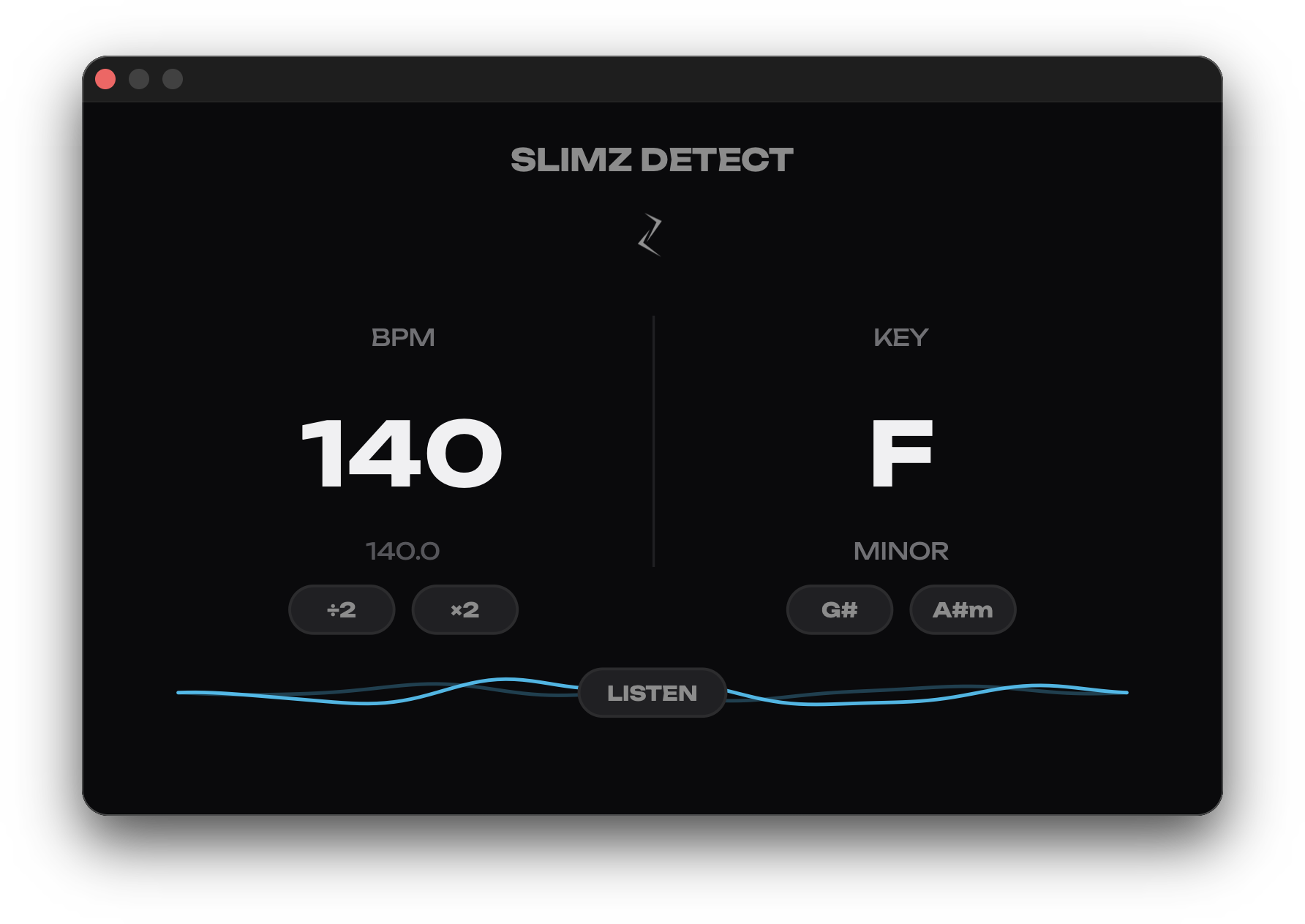
SLIMZ DETECT works in two modes. As a VST3 or AU plugin it listens to a track right in your DAW and shows BPM and key during playback, and the LISTEN button analyzes the played part as a whole. As a Standalone app it takes an audio file and analyzes the whole file almost instantly. The plugin never changes the sound of your project.
Press play - BPM and key appear while the track is playing.
Turn on LISTEN and play the part you need - after you stop, it is analyzed as a whole, just like a file.
Drop an audio file into the window - BPM and key of the whole track appear almost instantly. ⌘C copies the result.
Precise BPM to one decimal, ÷2 and ×2 buttons, major or minor and two related chords.
FAST ANALYSIS
Insert SLIMZ DETECT on a track in your DAW and press play - BPM and key appear during playback. On macOS you can drop an audio file into the Standalone app and the whole track is analyzed almost instantly.
Precise BPM to one decimal, ÷2 and ×2 buttons, major or minor and two related chords. The LISTEN button analyzes the played part as a whole, just like a file.
Yes, SLIMZ DETECT is free. On Mac you get VST3, AU and Standalone, on Windows - VST3. The plugin never changes the sound of your project.