Three choir characters
Switch between Gospel, Kids, and Shout to find the delivery that fits the song.
SLIMZ CHOIR X
Create a choir, octaves, thirds, and fifths from one vocal recording - only the parts you need, each as a separate WAV.
TWO LICENSES ARE PROVIDED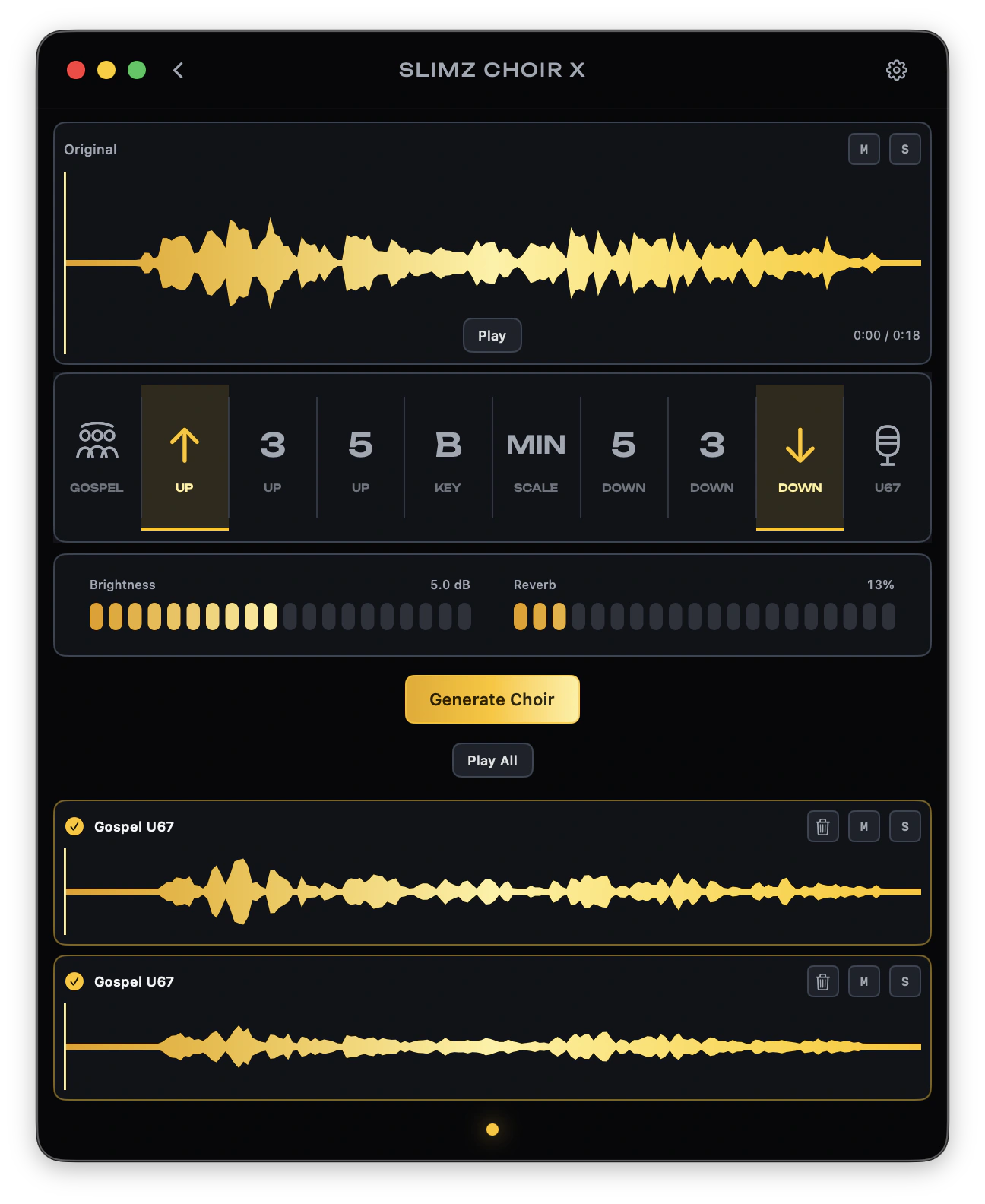
A CHOIR FROM ONE VOCAL
SLIMZ CHOIR X turns one vocal track into a controllable choir. Choose the choir and microphone character, add octaves, thirds, and fifths above or below, then select the key and Major or Minor. Version 1.5 for macOS generates only the chosen parts without an unnecessary unison layer. Every voice remains a separate track that can be muted, soloed, removed from the project without deleting its WAV, and dragged directly into a DAW or Finder.
Switch between Gospel, Kids, and Shout to find the delivery that fits the song.
Build separate voices above and below, then choose the key and Major or Minor for musically related harmonies.
Generate the selected intervals without an extra unison layer. With every interval disabled, the app creates a regular choir voice.
Hear the choir in sync, use Mute and Solo, remove unneeded tracks without deleting their WAV files, and drag selected parts into a DAW or Finder.
THREE SIMPLE STEPS