Russian in focus
Dedicated settings help preserve articulation, consonants, endings, long phrases and natural pauses in Russian vocals.
SLIMZ AI VOICE · RVC 2
Convert vocals into any compatible RVC 2 voice while preserving clear pronunciation, phrasing, intonation and dynamics - fully locally on macOS and Windows.
TWO LICENSES ARE PROVIDED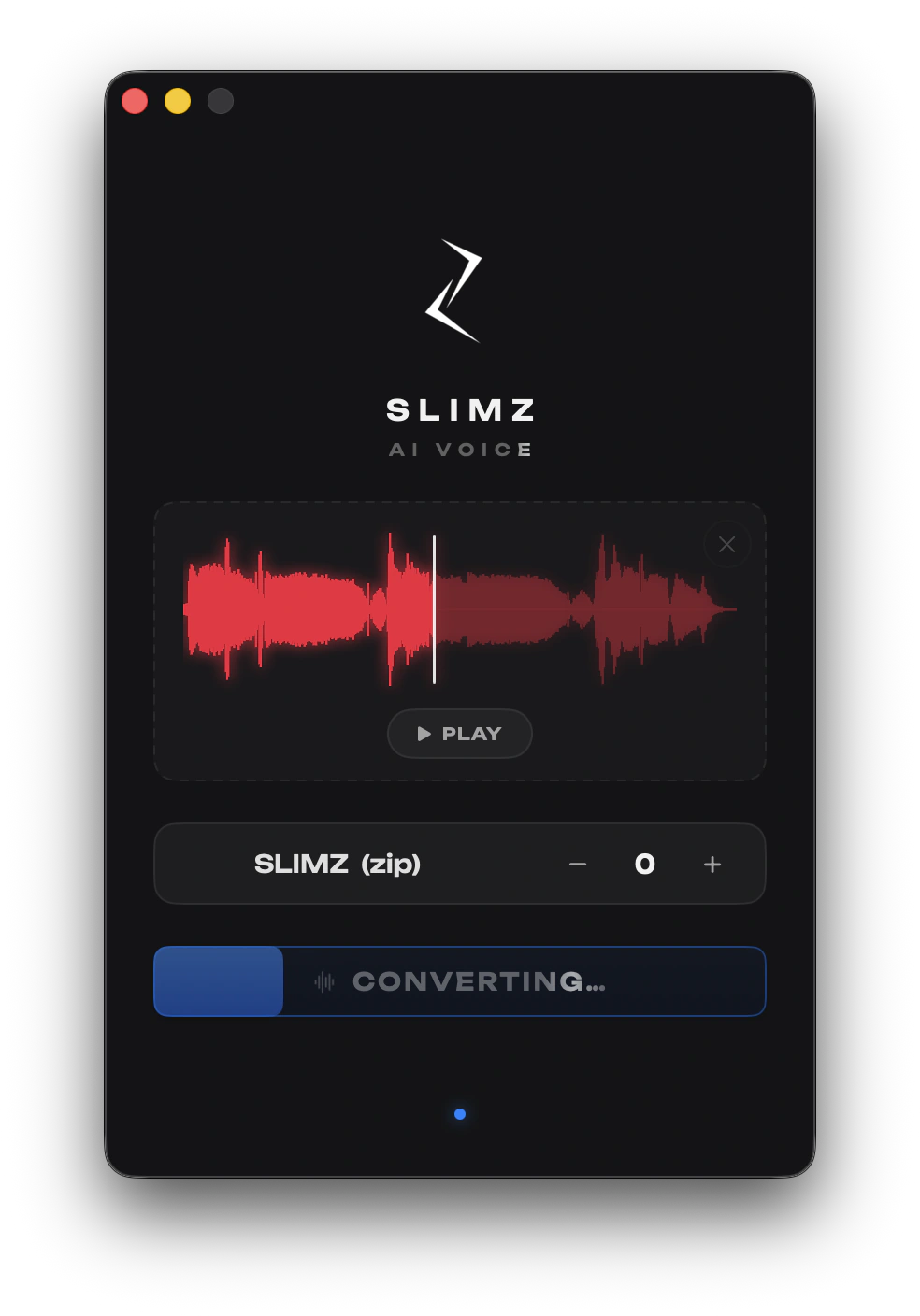
VOICE CONVERSION
SLIMZ AI VOICE analyzes the vocal, pitch, pronunciation, intonation and dynamics, then transfers the performance into the tone of the selected RVC 2 model. Load or record a vocal, choose a PTH or ZIP model, adjust pitch from -24 to +24 semitones and press CONVERT. You can immediately play the finished WAV, reveal it in Finder or File Explorer, or drag it into your music software.
Dedicated settings help preserve articulation, consonants, endings, long phrases and natural pauses in Russian vocals.
Work with PTH files, ready-made ZIP archives and INDEX files, or run a model without INDEX.
Shift pitch from -24 to +24 semitones and choose RMVPE, FCPE or CREPE for the speed and character you need.
Your vocal is never uploaded to the cloud. Recording, cleanup, conversion, playback and export all run inside the app.
FIRST LAUNCH
The first launch and first conversion may take longer while the app warms up the AI engine, starts the required components, activates hardware acceleration and loads the vocal analysis system. Core processes stay in memory while SLIMZ AI VOICE is open, so later conversions start much faster. Switching voices loads only the selected RVC 2 model, and closing the app stops all background processes and releases memory.
SIMPLE WORKFLOW